

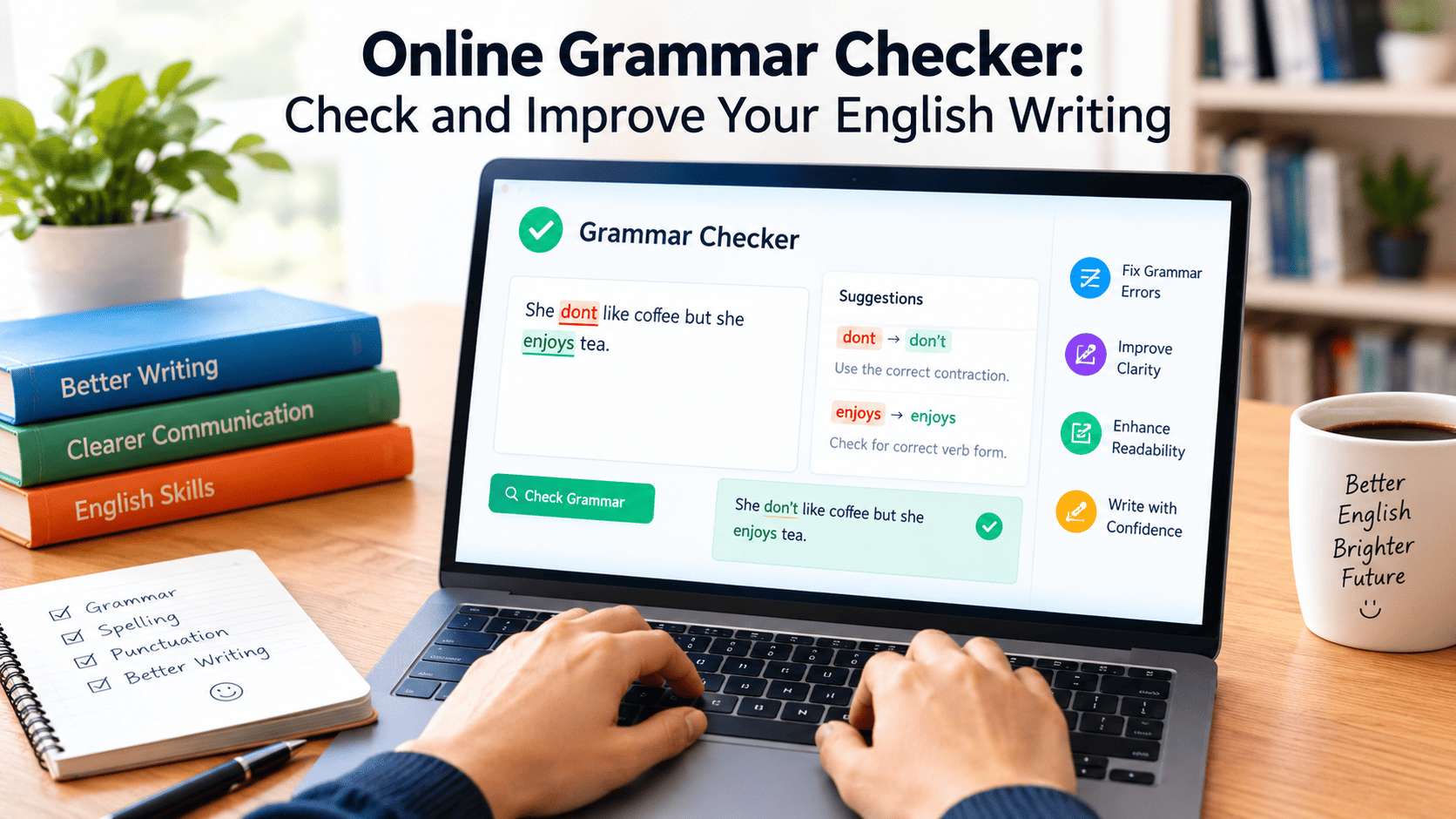
An online grammar checker is a digital tool that reviews written text for possible grammar, spelling, punctuation, and sentence structure errors. It helps students, bloggers, professionals, and everyday writers identify mistakes and improve readability. Many tools offer free basic checking, while some provide advanced features such as clarity suggestions, tone adjustments, and vocabulary improvements. However, users should review every correction before accepting it because automated tools can misunderstand context and intended meaning.
What Is an Online Grammar Checker?
An online grammar checker is a web-based writing assistant designed to identify potential errors in English text. Instead of checking every sentence manually, users can enter their writing into a digital editor and review suggested corrections. Depending on the tool, it may detect incorrect verb forms, missing punctuation, spelling mistakes, subject-verb agreement problems, and awkward sentence construction.
These tools are useful for people who want to communicate clearly without spending excessive time reviewing every line. Students can use them to review assignments, bloggers can polish articles, and professionals can improve emails, reports, and business documents. The primary purpose is to make writing easier to understand while helping users recognize common language mistakes.
How Does an Online Grammar Checker Work?
Most modern checking tools analyze written text using a combination of language rules, statistical methods, and artificial intelligence. They examine words in context, identify patterns that may indicate an error, and suggest possible improvements. For example, a tool might recognize that a singular subject usually requires a singular verb or that a sentence contains an unnecessary word.
The process generally begins when a user types or pastes text into an editor. The software scans the content and highlights possible issues. Users can then review the explanations, compare suggested alternatives, and decide which changes make sense. Some applications also provide writing feedback about clarity, tone, and conciseness.
Although these systems can identify many common errors, they do not understand every sentence perfectly. Unusual expressions, technical terminology, names, humor, and creative writing can sometimes produce misleading suggestions. Human judgment remains important when deciding whether a correction improves the original sentence.
Main Features to Look for in a Grammar Checker
Grammar and Sentence Structure
Grammar checking is one of the most useful features of writing assistance software. It can flag potential problems involving verb tense, articles, pronouns, prepositions, sentence fragments, and subject-verb agreement. These suggestions help writers identify areas that require attention before publishing or submitting their work.
For example, consider the sentence, “She go to school every morning.” A suitable correction would be, “She goes to school every morning.” Understanding why the verb changes helps the writer apply the same rule in future sentences rather than simply accepting an automatic correction.
Spelling and Word Choice
Spelling tools identify words that may be incorrectly written or unsuitable for their context. They can help distinguish common mistakes and suggest alternatives when a word appears unusual. Some systems also recognize contextual spelling problems, such as using a word that is spelled correctly but does not fit the intended sentence.
For instance, “Their going to the market” should normally be “They’re going to the market” when the intended meaning is “They are going.” A basic spellchecker might miss this distinction, whereas a context-aware writing tool may flag it.
Punctuation and Capitalization
Correct punctuation helps readers understand how ideas connect. A writing assistant may identify missing commas, unnecessary punctuation, incorrect apostrophes, or capitalization errors. It can also help users notice sentences that are difficult to follow because several ideas have been combined without appropriate punctuation.
However, punctuation often depends on writing style and sentence structure. A comma that is necessary in one sentence may be unnecessary in another. Readers should therefore consider the full sentence instead of applying every suggestion automatically.
Clarity and Readability
Some advanced tools evaluate whether a sentence is unnecessarily complicated or repetitive. They may recommend shorter wording, simpler vocabulary, or a more direct sentence structure. This can be particularly helpful when writing website content, professional emails, educational material, and informative articles.
For example, “The meeting was postponed due to the fact that the manager was unavailable” could be simplified to “The meeting was postponed because the manager was unavailable.” The revised version communicates the same basic information more directly.
Benefits of Using a Free Grammar Checker Online
A free tool can be a practical starting point for writers who need basic proofreading without paying for a subscription. Many services offer essential spelling and grammar suggestions, although the available features, usage limits, and account requirements differ between providers.
One important benefit is convenience. Users can often check short passages directly in a browser without installing dedicated desktop software. This makes basic proofreading accessible when writing emails, preparing assignments, editing website content, or composing social media posts.
Another benefit is speed. Automated suggestions can help users locate mistakes that might otherwise be overlooked during a quick review. Instead of reading an entire document repeatedly to find every small issue, writers can focus on highlighted passages and make corrections where appropriate.
These tools can also support language learning. When an application explains why a phrase may be incorrect, users can learn more about grammar rules and sentence construction. Over time, reviewing explanations can help writers become more confident and independent editors.
Nevertheless, free access does not necessarily mean unlimited use or complete functionality. Some services restrict document length, advanced corrections, or particular features to paid plans. Checking the available terms before choosing a tool helps avoid unexpected limitations.
How to Check English Grammar Online
Using a browser-based writing tool is generally straightforward. Start by preparing the text you want to review, whether it is a short message, a school assignment, a blog introduction, or a longer document. Remove any unnecessary personal information before submitting sensitive material to an online service.
Next, enter the text into the editor or upload a supported document if that option is available. Allow the tool to analyze the writing and identify possible issues. Review the highlighted words and sentences one at a time rather than accepting every proposed change without consideration.
Pay particular attention to corrections involving meaning. A suggestion may improve grammatical structure while changing the tone or emphasis of the original sentence. If the proposed revision does not communicate your intended message, keep the original wording or edit it manually.
After reviewing the suggestions, read the entire document again. This final step helps identify problems that automated checking may overlook, including unclear explanations, repeated ideas, inconsistent terminology, and gaps in the overall argument.
Popular Tools for Checking Grammar and Spelling
Several established writing applications provide grammar assistance, but the best option depends on your writing habits and requirements.
Grammarly
Grammarly provides writing suggestions covering grammar, spelling, punctuation, clarity, and other aspects of communication. Its online editor allows users to review documents in a browser, while its other supported products can provide assistance in different writing environments. The available features depend on the product and subscription plan.
It may suit bloggers, students, professionals, and people who regularly prepare English-language content. Users should still review suggestions carefully, particularly when working with specialized terminology or a distinctive writing style.
Microsoft Editor
Microsoft Editor provides spelling and grammar assistance in supported Microsoft products and through browser-based options. Depending on the version and account, it can also offer recommendations related to clarity, conciseness, and writing style.
It can be a convenient choice for people who already prepare documents or emails using Microsoft software. Before choosing a plan, users should check which features are included in free access and which require a subscription.
Google Docs
Google Docs includes spelling and grammar suggestions that users can review while editing documents. The application allows writers to accept or ignore proposed changes, helping them review potential mistakes without moving their entire document into a separate editor.
Its usefulness depends on the document workflow, supported language, and available checking options. It is especially convenient for people who already use Google Docs to write and collaborate on documents.
QuillBot
QuillBot offers writing-related tools, including grammar checking and other editing features. Depending on the product available, users may also find paraphrasing and rewriting assistance useful when refining sentences.
Writers should distinguish between correcting an error and rewriting a sentence. A grammar correction aims to address a language problem, whereas paraphrasing may change the wording and emphasis. Reviewing the final text ensures that the original meaning remains accurate.
Online Grammar Checker vs. Manual Proofreading
Automated checking and manual proofreading serve related but different purposes. Software is useful for identifying recurring mechanical issues, while human review is better suited to evaluating context, logic, audience expectations, and the overall quality of an argument.
A writing tool might flag an awkward sentence but fail to understand why a particular phrase is important to a story. Similarly, it may recommend a formal expression when the writer deliberately wants a conversational tone. These differences explain why software suggestions should be treated as recommendations rather than unquestionable rules.
Manual proofreading also encourages writers to think about the purpose of each sentence. Reading slowly, checking unfamiliar words, and examining the connection between paragraphs can reveal problems that a grammar tool may not identify. Combining automated checking with a final human review usually provides a more reliable editing process.
Limitations You Should Know Before Using a Grammar Checker
No automated tool can guarantee that every sentence will be correct, clear, and appropriate for its audience. A sentence may be grammatically acceptable but factually inaccurate, misleading, or poorly supported. Grammar checking does not replace research, fact-checking, or careful reasoning.
Another limitation is context. Some expressions are acceptable in informal conversations but unsuitable for academic writing. Regional differences in English can also affect spelling, vocabulary, and punctuation preferences. Choosing the appropriate language variety and writing style can reduce unnecessary corrections.
Privacy is another consideration. Before entering unpublished articles, confidential business documents, personal messages, or sensitive information into an online service, review its privacy policy and data-handling practices. Avoid submitting information that you do not have permission to share.
Finally, overreliance on automatic corrections can limit learning. Writers who accept suggestions without understanding them may continue making the same mistakes. Reading explanations and practicing the relevant rules can turn proofreading into a useful learning opportunity.
How to Choose the Right Grammar Checker for Your Needs
Start by identifying the kind of writing you do most frequently. Someone checking occasional emails may need only basic spelling and grammar assistance, while a blogger producing long articles may benefit from readability suggestions and document-level editing features.
Consider language support as well. If you write in British English, American English, or another supported language, make sure the application suits your preferred variety. Review whether it handles your usual document length, offers useful explanations, and works in the applications you already use.
Ease of use is another important factor. A clear interface that explains corrections can be more helpful than a complicated tool with many features you rarely need. Compare free and paid options based on your actual requirements rather than assuming that a more expensive subscription will automatically produce better writing.
Finally, test a tool with a short, non-sensitive sample. Compare its suggestions against your own understanding, notice whether it preserves your intended meaning, and evaluate how much useful feedback it provides. This practical approach can help you choose a suitable solution without committing to unnecessary features.
Final Thoughts
An online grammar checker can make everyday writing and editing more efficient by identifying potential grammar, spelling, punctuation, and readability issues. It can be useful for students, bloggers, professionals, and English learners who want to produce clearer written communication.
The most effective approach combines automated suggestions with human judgment. Choose a tool that fits your writing needs, examine its corrections carefully, and proofread the finished document before sharing it. By learning from the explanations instead of relying entirely on automatic changes, you can improve both your current writing and your long-term language skills.
Frequently Asked Questions
1. What is the best online grammar checker?
The best option depends on your needs. Grammarly, Microsoft Editor, Google Docs, and QuillBot offer different writing-assistance features. Compare their supported languages, correction quality, ease of use, privacy practices, and available free features before deciding.
2. Can I check English grammar for free?
Yes. Several writing applications provide free basic grammar and spelling checks. However, advanced features, document limits, and account requirements vary, so review the current terms of the service you choose.
3. Are grammar checkers always accurate?
No. They can identify many common mistakes, but they may misunderstand context, overlook subtle errors, or suggest changes that alter the intended meaning. Reviewing the suggestions manually is important.
4. Can a grammar checker improve my writing skills?
Yes, it can support learning when you review the explanations behind its corrections. Understanding grammar rules, practicing sentence construction, and proofreading independently can help you recognize and correct similar mistakes in the future.